 COMPENDIUM
Switching to Compendium
Switch in Two Weeks. Zero Downtime.
Moving from your current SIS, LMS, admissions and billing tools takes no more than two weeks. We do the exports and imports, check every record and train your team, and your current system keeps running until the moment you go live.
Days or Less
From kickoff to go-live
Hours of Downtime
Your current system runs until go-live
Migration Lead
One person who owns your move
Systems in Parallel
Old and new side by side before the switch
From Kickoff to Go-Live, Without a Gap.
Your current system stays live the whole time. Compendium starts alongside it, runs in parallel, then takes over on day 14.
- 1
Days 1–2
Kickoff & Inventory
Your migration lead meets your team, lists every system you use today and arranges exports or direct access with your current providers.
You keep working as usual - 2
Days 3–5
Export & Import
We pull your data, map it to Compendium and import it: families, students, staff, classes, grades, attendance, balances and applications.
You get a check report - 3
Days 6–8
Setup & Branding
Terms, grading scales, fee schedules, forms, message templates, your branding, your words and the features you want switched on.
You review and approve - 4
Days 9–11
Train & Run in Parallel
Your office and teachers learn Compendium on your own real data while your current system stays in charge. Anything that changes there is carried over.
Both systems running - 5
Days 12–13
Invite Families
Families get their sign-in invitation, a guide to install the app on their phone and a simple way to set up AutoPay.
Families ready on day one - 6
Day 14
Go Live
A final catch-up import brings over the last changes, your web address points to Compendium and it becomes your system of record.
Zero downtime
Everything Comes with You.
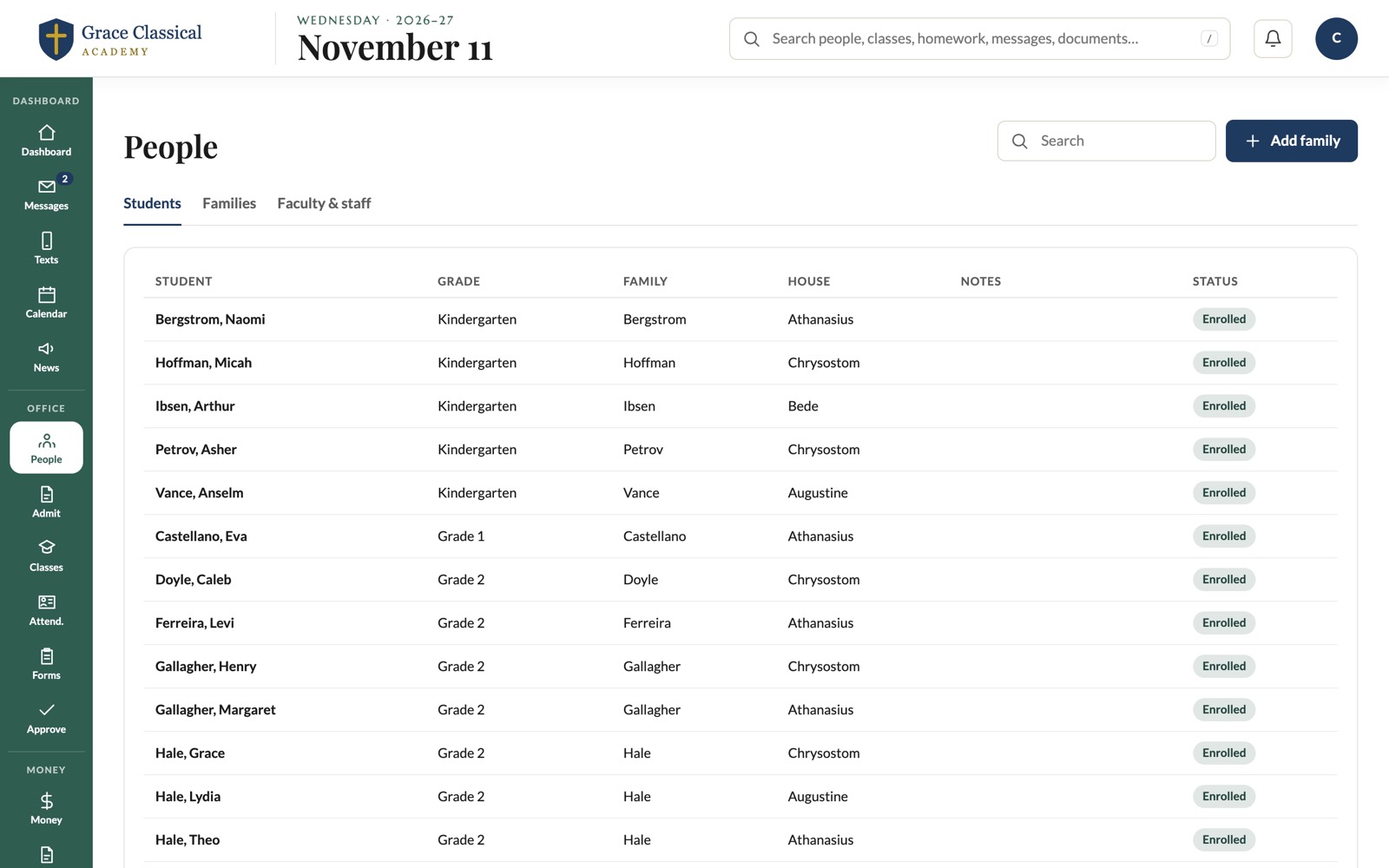
Current records and history from every tool you use today, mapped into one place, so nothing is retyped and nothing is left behind.
People & Families
Students, parents, guardians, staff, households and contact details.
Academic Records
Grades, attendance history, report cards and transcripts.
Classes & Schedules
Sections, rooms, teachers, rosters and the school calendar.
Tuition & Balances
Invoices, payments, agreements and every balance carried forward.
Admissions
Applicants, inquiries and where each family is in the process.
Courses & Content
Lessons, assignments, files and links from your current LMS.
Documents & Media
Handbooks, forms, photos and shared files, in their folders.
Forms & Templates
Enrollment forms, permission slips and the messages you send every year.
We Do the Heavy Lifting.
Switching shouldn't land on your office. Our team runs the move from start to finish and stays with you after go-live.
- A dedicated migration lead who plans the move with you and keeps it on schedule
- Exports and imports done for you: CSV, Excel, Google Sheets or straight from your current provider where it allows
- A check report before go-live with record counts and balances that match your current system
- Training for your office and teachers on your own real data, not a sample school
- Launch help for families: sign-in invitations, app install guides and AutoPay set-up
- Technical support after go-live through the same team that moved you
Switching, Answered.
The questions schools ask most before they move. Anything else, just ask.
Do We Have to Export Our Data Ourselves?
No. Our team handles the exports and imports. Where your current provider allows it, we pull the data directly; otherwise we work from the reports and spreadsheets you already have.
What If Our Current System Doesn't Offer a Full Export?
We work from whatever it can give: report downloads, spreadsheets, CSV or Excel files. We clean and format the data on our side, so nothing is retyped by your staff.
Will There Be a Day When Nothing Works?
No. Your current system stays in charge until go-live, and Compendium runs alongside it during the parallel run. On go-live day a short catch-up import brings over the last changes.
Can We Switch in the Middle of the School Year?
Yes. Current-term grades, attendance, balances and payment history all come across, so teachers and families pick up exactly where they left off.
How Do We Know Everything Came Across Correctly?
Before go-live you get a check report: counts of families, students, classes and records, plus balances that match your current system to the cent.
What Does Switching Cost?
Ask us. Send a note through the contact form and we'll go through it with you on a short call.
Ready to Move? Start in Two Weeks.
Tell us what you use today and we'll send a plan with dates, from kickoff to go-live, with no downtime along the way.